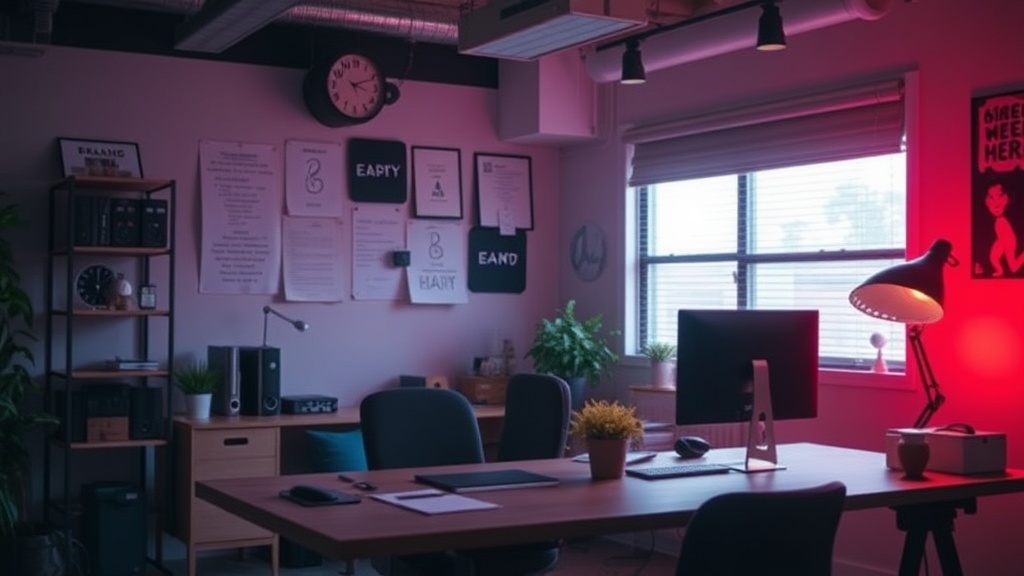
Build a Sensory-Friendly Workspace for Deep Focus

A person sits at a desk, trying to finish a report, but the slight hum of the refrigerator in the next room feels like a jackhammer. The fluorescent light overhead flickers just enough to be annoying, and the texture of the synthetic desk mat feels scratchy against their wrists. Suddenly, the ability to think clearly vanishes. This isn't just a lack of willpower; it's a sensory overload. This post explores how to design a workspace that respects your senses to maintain deep focus.
Most people think productivity is about time management or task lists. It isn't. It's about environment management. If your surroundings are constantly pulling at your attention, you'll spend more energy fighting your environment than doing your actual work.
How Can You Control Light and Sound?
You can control light and sound by implementing layered lighting and active noise reduction tools. Natural light is great, but it isn't always available or consistent. Instead of relying on a single harsh overhead light, use a mix of soft, indirect sources. A desk lamp with a warm bulb—something like the BenQ ScreenBar—can illuminate your workspace without creating glare on your monitor. Glare is a silent killer of focus.
When it comes to sound, you have two paths: masking or blocking. If you're in a noisy house, a white noise machine or even a simple fan can provide a steady "sound floor" that drowns out erratic noises. If you need total silence, high-quality noise-canceling headphones are a necessity. I've found that the Sony WH-1000XM5 headphones are particularly effective at blocking out the low-frequency hums that tend to disrupt deep work.
Here are a few ways to manage your auditory environment:
- White Noise: Use apps or machines to create a constant, soothing background.
- Pink/Brown Noise: These have deeper frequencies and can feel less "sharp" than white noise.
- Noise-Canceling Headphones: Essential for open-plan offices or busy households.
- Earplugs: If you're in a truly loud environment and don't need to hear a person talking to you.
If you find that your environment is part of a larger pattern of feeling overwhelmed by modern life, you might want to look into managing digital information overload to protect your mental bandwidth.
What Materials Should You Use for Tactile Comfort?
Tactile comfort comes from choosing materials that don't cause skin irritation or physical discomfort during long sessions. The way your chair feels, the texture of your mouse, and even the fabric of your sleeves matter. If you have sensitive skin or a high sensitivity to texture, a cheap plastic desk surface might feel "sticky" or uncomfortable after an hour of work.
Consider the physical touchpoints of your workspace. A high-quality felt desk mat—like those from Grovemade—can provide a much softer, more organic feel than a plastic or wood surface. It also dampens the sound of your keyboard clicking, which helps with the auditory side of things too.
The following table compares common desk materials to help you choose based on sensory needs:
| Material | Tactile Feel | Sensory Impact |
|---|---|---|
| Plastic/Laminate | Smooth, sometimes "sticky" | Can feel cold or artificial |
| Natural Wood | Warm, textured | Very grounding and organic |
| Felt/Fabric | Soft, matte | Reduces noise and provides warmth |
| Glass | Very smooth, cold | Can cause visual glare |
Don't ignore your chair. A chair with a mesh back might feel "scratchy" to some, while a leather chair might feel too hot. If you're working from home, a small ergonomic cushion can change the entire sensory experience of sitting. It’s a small change, but it prevents that restless feeling that often leads to distraction.
How Do You Manage Visual Clutter and Distraction?
Minimizing visual distractions involves keeping your peripheral vision clear of unnecessary movement and color. A cluttered desk leads to a cluttered mind. This isn't just a cliché—it's a physiological reality. When your eyes catch movement or a bright color in your peripheral vision, your brain has to process that information, even if you don't consciously "see" it.
To keep your focus sharp, try these steps:
- Clear the Periphery: Keep your immediate desk area free of non-work items.
- Use a Neutral Color Palette: Stick to muted tones like beige, grey, or sage green.
- Cable Management: Use clips or sleeves to hide wires. Seeing a "rat's nest" of cables is a constant, subtle visual stressor.
- Digital Minimalism: Your screen is part of your workspace. Close unnecessary tabs and use a minimal desktop wallpaper.
For more on keeping your mental space clear, check out how to tame digital overload. A clean digital desktop is just as important as a clean physical one.
One thing to keep in mind is that "minimalism" doesn't have to mean a sterile, empty room. It just means being intentional. If a certain object brings you calm—like a small plant or a specific piece of art—keep it. If it's just a pile of mail you haven't opened, move it. According to the concept of sensory processing, our brains can be highly reactive to even small amounts of environmental "noise."
The goal is to create a "sensory cocoon." When you sit down, you shouldn't be fighting your environment. You should be able to sink into your work because your brain isn't being interrupted by a flickering light, a buzzing fan, or a pile of junk on your desk. It's about setting the stage so that focus becomes the easiest thing to do.
If you're working in a shared space, like a coffee shop or a co-working office, the same rules apply. You can't control the whole room, but you can control your immediate bubble. A good pair of headphones and a portable desk mat can turn a chaotic cafe into a functional office. It's about taking agency over your experience.
Steps
- 1
Evaluate Your Light Sources
- 2
Control Your Auditory Environment
- 3
Incorporate Tactile Comforts
- 4
Manage Visual Clutter